


The habits that quietly wreck your mornings
"Five more minutes" only makes it worse
- Every snooze kicks off a new sleep cycle you never get to finish.
- You end up more groggy, not more rested.
- That grogginess can follow you for hours.

of lingering brain fog from hitting snooze. Every tap resets your sleep cycle before it's done, leaving you foggy and unfocused well into the day
Your phone gets the first move — if you let it
- Reaching for your phone while you're still lying down is what spikes cortisol and pulls you into scrolling.
- You start the day already anxious and reactive.
- You're on everyone else's schedule before you're on your own.

the average time spent scrolling each day. That morning dopamine hit spikes cortisol and makes it harder to focus for the rest of the day
How does it work?

Set up your alarm
Open the Tapp app and set your wake-up time. Pick an alarm sound, and you're set.

Place your Tapp Dock
Place it anywhere you'd have to get up and walk to. The magnetic base keeps it locked in place.

Scan and start your day
The alarm won't stop until you get up and scan your dock. No dismissing it from bed.

Tapp Dock
Stop hitting snooze. Your Tapp Dock connects to our free app (iOS only), and together they get you out of bed instead of back to sleep.
One payment, forever. Pay once — no subscription, no monthly fees. For mornings that are finally on your terms.
- Choose your alarm. Set your wake-up time and pick an alarm sound in the app.
- Set your Dock. Put it somewhere you'll have to walk to — ideally a different room.
- Tap to stop it. The alarm keeps going until you're up and scan your Dock.


Frequently asked questions
Why would I pay for this when I can just use a free alarm app?
Free alarm apps don't solve the actual problem — you can snooze, silence, or kill them in two seconds flat, still half-asleep. Tapp works differently. It keeps ringing until you physically get out of bed and scan your dock, so you can't shut it off from under the covers. That one change is what actually breaks the snooze cycle and turns waking up into a routine that sticks. A free app can't force that. Tapp does.
How do I turn off my alarm?
When your alarm goes off, the only way to silence it is to tap your phone to your Tapp Dock. The trick is that your dock lives in a different room — the kitchen, the bathroom, wherever you set it — so you have to physically get up and walk there to turn it off. No snoozing from bed, no rolling over. You're up and moving before you can talk yourself out of it.
Is this a subscription?
Nope. Tapp is a one-time purchase of $34.99. You get the Tapp Dock and the free companion app with no monthly fees and no hidden charges, ever.
Is Tapp only for waking up?
Not at all. Tapp works anywhere you need a push to actually go do something. Put your dock in your home gym and the alarm won't stop until you walk in and tap it — so you're already there, no excuses. Drop it in your gym bag before you leave the house. Set it in your study, the laundry room, wherever the task lives. Because the only way to silence it is to physically go to the dock, Tapp turns "I'll do it later" into "I'm already here."
Do I need to charge my Tapp Dock?
Never. Your Tapp Dock requires no batteries, no charging, and no cables. It works the moment you unbox it and keeps working forever — just place it and go.
What's included?
Your Tapp Dock arrives in premium packaging, ready to use right out of the box. Pair it with the free Tapp Alarm app and you're set — no batteries, no charging, nothing else to buy.
Is my phone compatible?
Tapp currently works with iPhone 11 and later. Just download the free app, set your alarm, and tap the dock. Tapp will support Android in the near future.
How is this different from my phone's built-in alarm?
Your built-in alarm lets you snooze or swipe it off without ever leaving bed. Tapp makes that impossible. The alarm keeps going until you walk over and tap the dock, so you're up and moving before you can talk yourself back to sleep.
Where do I download the app?
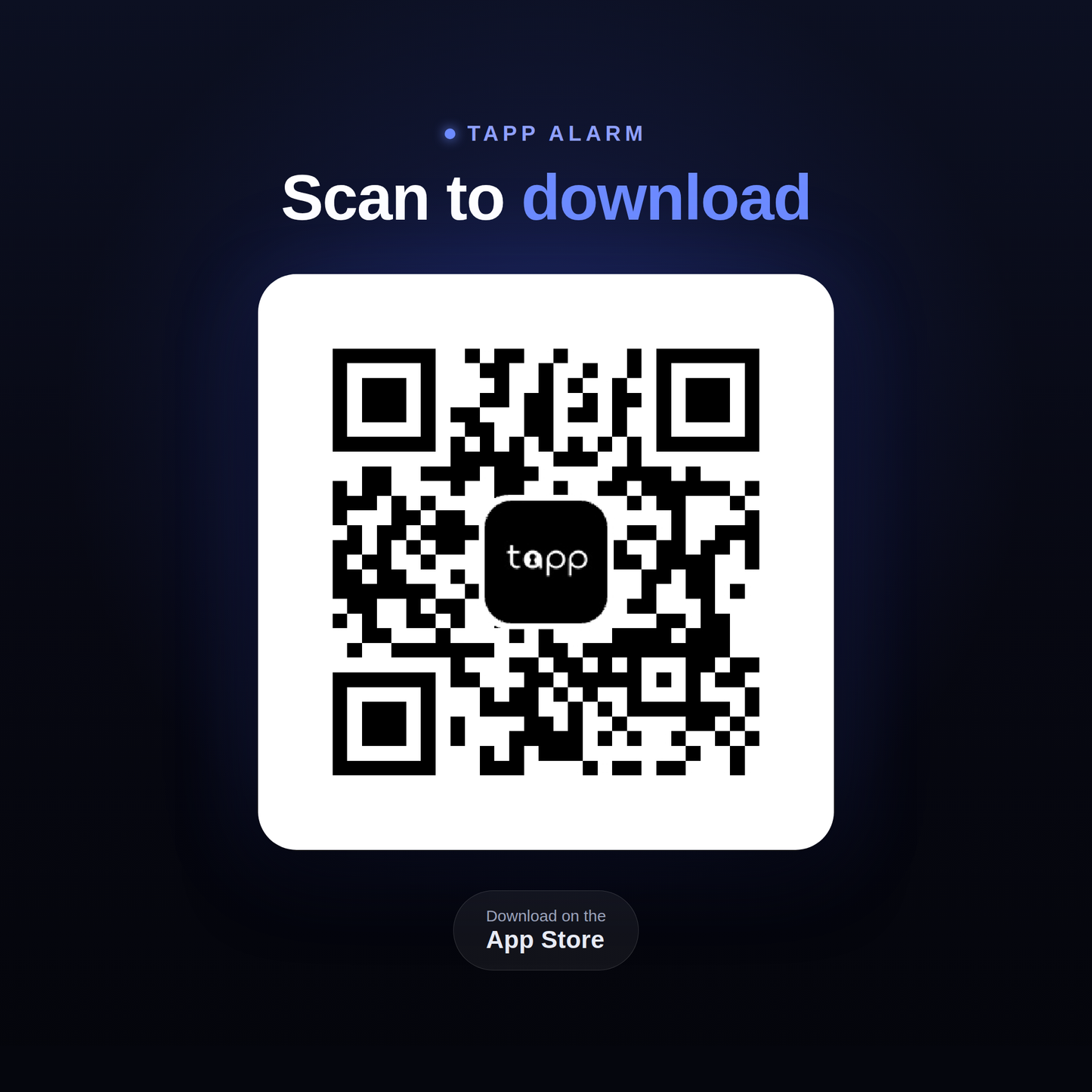
Search "Tapp Alarm" on the App Store or get the app at https://apps.apple.com/us/app/tapp-alarm/id6794178601
Where should I put the dock?
In a different room from where you sleep — that's the whole point. The kitchen or bathroom works great, since you can't reach them without getting out of bed. The magnetic base locks it onto any metal surface so it stays exactly where you set it. And it's not just for mornings — put it in your home gym, your study, or your gym bag, and the only way to shut off the alarm is to go where you're supposed to be.
Can multiple people use one Dock?
Yes — there's no limit on how many people can use one Dock. As long as everyone has physical access to it, they can all tap it. Each phone's app is independent, so everyone sets, edits, and manages their own alarms separately.
Any tips and tricks?
Yep! Use the top of your phone to scan your Dock. The scanner lives in the top of your phone- it might take a few tries if you do it from the wrong spot. Pair more than one dock. Tapp isn't just for waking up: you can use it for working out, studying, or chores! Pick metal spots. Your Tapp Dock is magnetic- use that to your advantage!
